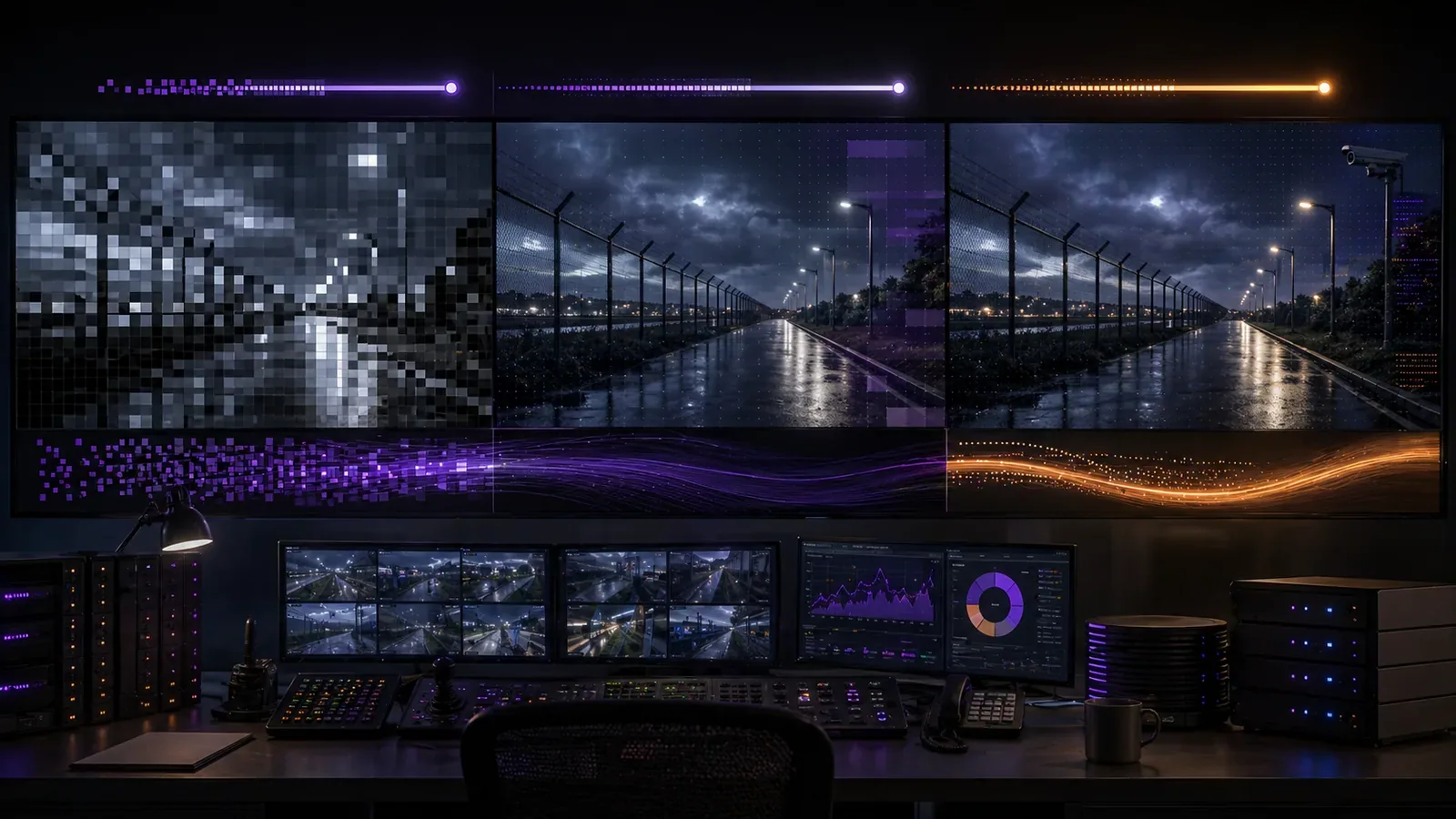
In a typical retrofit scenario, such as upgrading video surveillance across a multi-door corporate campus or a dispersed utility substation, teams often face the tension between legacy MJPEG streams from older analog-to-IP converters and modern compressed formats like H.264 or H.265. MJPEG delivers uncompressed frames with minimal latency, making it a holdover in environments where every frame must be available for immediate forensic review or basic motion detection. However, its voracious bandwidth appetite—often 10-20 times higher than compressed alternatives—forces integrators to reassess network capacity before scaling to dozens of cameras.
H.264 strikes a practical balance for most upgrades, reducing bandwidth by leveraging inter-frame prediction while maintaining compatibility with existing NVRs and VMS platforms. H.265 pushes further with advanced block partitioning and better motion compensation, ideal for 4K feeds over limited pipes, but it demands more CPU on decoders and can introduce subtle latency in live views. The decision ripples through wiring choices, server sizing, and even failover strategies, especially when blending codec types in a hybrid topology.
Early in the planning phase, map your current MJPEG endpoints against projected H.264/H.265 savings: a single 1080p MJPEG camera might saturate a 100 Mbps link, while H.265 handles four similar streams comfortably. This shift not only eases cabling retrofits but also aligns with critical infrastructure security mandates for efficient, resilient video handling.
What changes in real deployments
Deploying MJPEG in a fresh multi-door access control setup means straightforward frame grabs for door-linked event triggers, but scaling to 50+ cameras quickly overwhelms edge switches with constant high-throughput streams. Operators notice this first during peak hours, when frame drops lead to blind spots in coverage. Transitioning to H.264 changes the game by grouping frames into GOPs (groups of pictures), slashing data rates without losing critical detail for person or vehicle identification—essential in campus perimeters or loading docks.
H.265 amplifies these gains in bandwidth-starved sites like remote utility poles, where solar-powered edge devices transmit over cellular backhauls. Real-world shifts show H.265 enabling 30% more cameras per Mbps compared to H.264, though decoding on client workstations requires hardware acceleration to avoid stutter in multi-view matrices. In a recent campus retrofit, teams observed smoother 16-camera wallboards post-upgrade, but only after profiling CPU loads during variable lighting conditions.
Operational workflows adapt too: MJPEG's raw frames simplify custom analytics scripting, while compressed codecs necessitate stream transcoding at the VMS for AI overlays. Get this wrong, and forensic searches bog down, as H.265's deeper compression obscures fine details like license plates unless profiles are tuned conservatively.
Security and reliability differences
MJPEG's lack of inter-frame dependencies makes it inherently robust against partial packet loss—a boon in unreliable wireless links common at perimeter fences or temporary construction sites. Each frame stands alone, so a dropped I-frame doesn't cascade errors, preserving reliability for tamper detection. However, this simplicity exposes larger attack surfaces: unencrypted MJPEG streams broadcast full pixel data, inviting interception on shared VLANs without additional ciphering.
H.264 and H.265 incorporate CABAC entropy coding and motion vector prediction, which enhance compression but amplify error propagation if slices are corrupted. In secure deployments, enable Annex G for H.264 scalable profiles or H.265's low-delay modes to mitigate this, pairing with RTP over UDP for resilient transport. Reliability shines in H.265's tile-based partitioning, allowing parallel decoding and faster recovery on GPU-accelerated recorders, critical for North America deployments under stringent uptime SLAs.
Security-wise, both compressed formats support stronger integration with IPsec or SRTP, reducing eavesdropping risks compared to MJPEG's baseline. Yet, misconfigurations like disabled slice loss concealment lead to green-screen artifacts during DoS tests, underscoring the need for codec-agnostic failover to MJPEG substreams.
Wiring, topology, and integration implications
Wiring for MJPEG demands Cat6 runs with ample headroom—think 1 Gbps PoE switches per camera cluster to handle uncompressed 4CIF flows without aggregation bottlenecks. In a star topology for a multi-building site, this means upgrading core trunks to 10 Gbps, as MJPEG's intra-frame nature doesn't benefit from QoS prioritization like compressed GOPs do. H.264 topologies lean on multicast for efficient matrix distribution, easing backbone loads in VMS integrations.
H.265 topologies favor hierarchical designs: edge encoders transcode to low-bitrate substreams for mobile apps, reserving full GOPs for central storage. Integration with ONVIF-compliant heads simplifies this, but mismatched profiles cause VMS crashes. For hybrid setups, segment MJPEG zones on isolated VLANs to prevent bandwidth starvation of H.265 feeds.
- Verify switch buffers exceed 1 MB for MJPEG bursts.
- Test H.265 with constant bit rate (CBR) to stabilize latency under congestion.
Migration planning and common failure points
Start migrations by inventorying MJPEG endpoints via SNMP polls, then pilot H.264 on non-critical doors to benchmark storage deltas—expect multi-day retentions extending from hours. Phased rollouts to H.265 follow, using dual-stream cameras that output MJPEG for live views and compressed for archiving. Common pitfalls include overlooking decoder firmware, where legacy NVRs reject H.265 tiles, forcing full-system swaps.
Failure points cluster around profile mismatches: high-profile H.264 won't decode on baseline-only clients, manifesting as frozen grids during operator shifts. Plan cutovers with A/B stream testing, and script VMS rules to fallback to MJPEG on error rates exceeding 1%. In utility sites, cellular handoffs expose H.265's sensitivity to jitter, resolved by GOP size tweaks below 1 second.
Budget for topology audits: MJPEG-heavy legacy forces fiber pulls, while H.265 unlocks copper reuse. Track post-migration metrics like frame integrity via RTCP reports to catch creeping issues.
Where each approach still fits
MJPEG endures in ultra-low-latency niches like robotic PTZ controls or frame-accurate event syncing in access-integrated doors, where compression artifacts could false-trigger alarms. It's the go-to for air-gapped forensics stations decoding proprietary formats without licensing hassles. For integrators handling mixed fleets, MJPEG substreams provide a universal live-view baseline.
H.264 remains the workhorse for balanced 1080p campuses, with mature ecosystem support easing VMS migrations. H.265 fits bandwidth-constrained 4K rollouts at scale, like perimeter drone feeds or hyperscale storage in data centers guarding physical assets. Hybrid policies—MJPEG for analytics edge, H.265 for core—maximize each codec's strengths without overhauling wiring.
Where to go next
Evaluate your site's codec readiness with FortSense 4, which handles seamless MJPEG-to-H.265 transcoding. For tailored advice, request a design review. Explore related terms in our MJPEG glossary or H.264 glossary.