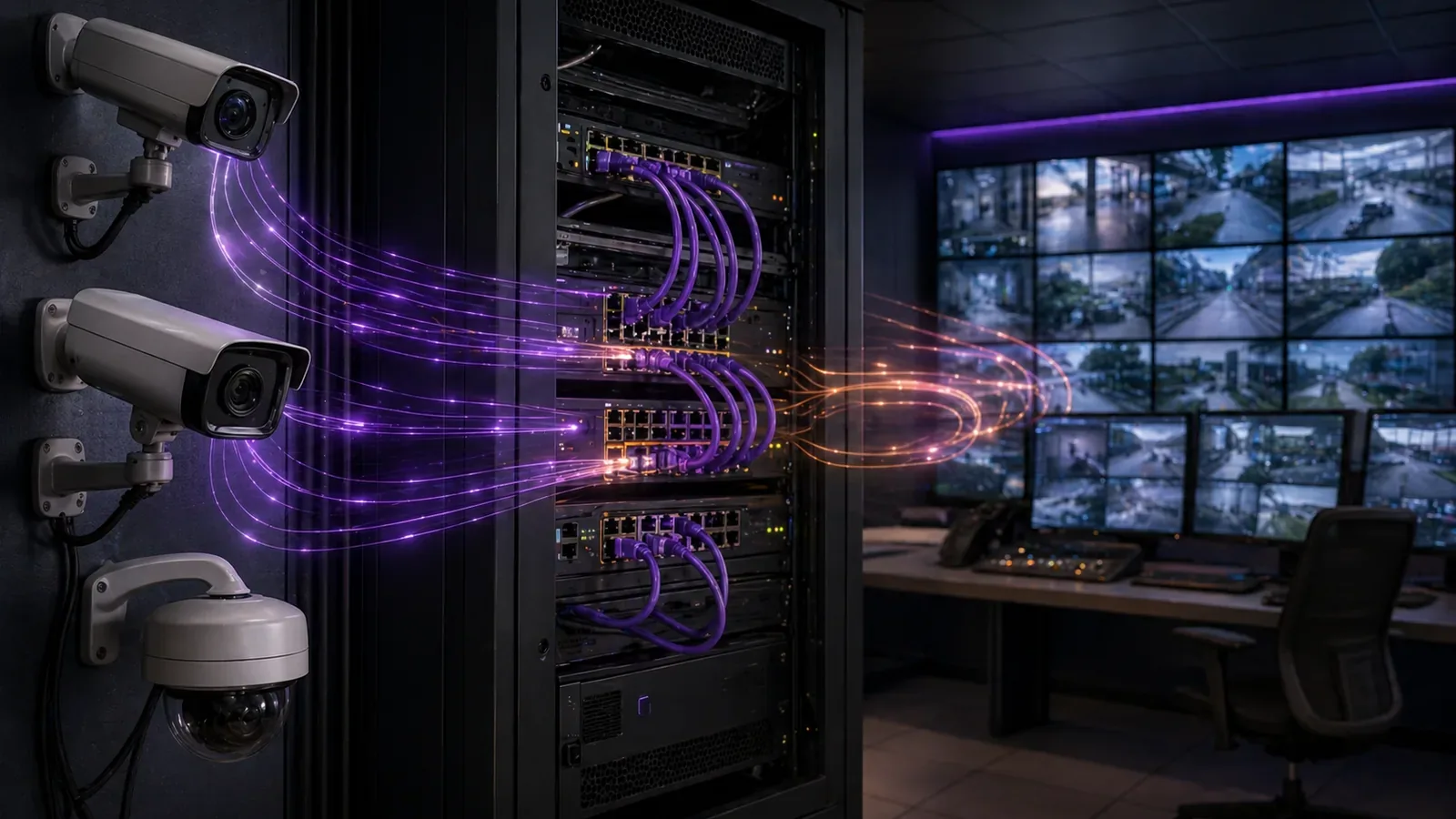
When retrofitting video surveillance at a multi-building campus or utility site, integrators frequently encounter cameras from different vendors feeding into a centralized video management system (VMS). The streams must flow reliably over RTSP, but subtle differences in URL formats—path structures, channel numbering, and stream subtypes—can halt deployment or cause intermittent black screens during live view. These variations arise because while ONVIF provides a discovery framework, manufacturers implement RTSP endpoints in ways optimized for their hardware, leading to integration friction in mixed environments.
Ahead of procurement or during a phased upgrade, the key decision centers on prioritizing cameras with well-documented, ONVIF-conformant RTSP paths alongside VMS platforms that auto-detect them. For instance, in a North America deployment spanning access-controlled gates and perimeter fencing, teams test streams using tools like ONVIF Device Manager before scaling, ensuring main and substreams align without custom scripting. This upfront validation prevents operational surprises, such as bandwidth overload from misconfigured high-res main streams defaulting in place of lighter substreams.
Success hinges on understanding these formats not as rote memorization but as part of a broader architecture: network segmentation, authentication handling, and fallback mechanisms. By framing RTSP configuration as a design choice tied to throughput and failover, security managers avoid the trap of vendor lock-in while maintaining high availability.2023
What the design decision looks like in practice
In a typical retrofit scenario, such as upgrading surveillance at a critical infrastructure site with 50 legacy Axis cameras alongside new Hikvision units, the design decision manifests during VMS onboarding. Engineers input candidate RTSP URLs into a test harness—often VLC or the VMS's own stream tester—verifying playback for both main (high-resolution) and sub (low-bandwidth) streams. Axis might use rtsp://user:pass@ip/axis-media/media.amp, pulling the primary stream by default, while Hikvision requires rtsp://user:pass@ip:554/Streaming/Channels/101 for main and 102 for sub. Mismatches here lead to no-video errors that cascade across the system.
This process extends to multi-channel heads or PTZ units, where channel parameters (e.g., Dahua's ?channel=1&subtype=0) dictate which feed activates. Design teams weigh the effort: standardize on one vendor for uniformity, or embrace diversity with scripted URL generators in the VMS. The latter suits brownfield sites, where swapping hardware disrupts operations, but demands rigorous documentation. In practice, a hybrid approach prevails—ONVIF for discovery, vendor manuals for tweaks—yielding a configuration matrix that field techs reference during cutover.20
Consider a campus migration: initial testing reveals Bosch cameras favoring rtsp://user:pass@ip/rtsp_tunnel, prompting firewall rules for UDP ports beyond the standard 554. The decision solidifies as quantifiable: streams stable across 24-hour loads confirm the format's fit for 24/7 recording.
System architecture and integration considerations
At the architecture level, RTSP URL formats influence more than just connectivity; they shape network topology and resource allocation. Cameras positioned behind layer-3 switches require VLAN tagging to isolate video traffic, with RTSP URLs specifying unicast or multicast to match the fabric. For Hanwha cameras using rtsp://user:pass@ip:554/profile1/media.smp, profile1 denotes main stream, directing higher bandwidth to dedicated trunks. Integrators must map these to VMS server NICs, often bonding multiple for redundancy, as a single mistyped subtype floods the wrong pipe.
Integration with ONVIF-compliant VMS layers abstraction over formats, auto-populating URLs via device discovery. Yet, in edge cases like Uniview's rtsp://user:pass@ip/unicast/c1/s0/live (c1 for channel 1, s0 main), custom profiles ensure substream efficiency for mobile clients. Architecture docs should catalog these per site, tying into PoE switch configs and NVR fallbacks. Firewall traversal adds complexity—NAT environments demand STUN or port forwarding aligned to vendor port defaults.20
Scalability enters via load balancing: URL parameters enabling H.265 codecs reduce strain, but only if the VMS parses vendor-specific extensions. Design tradeoffs favor flexible platforms like those in FortSense 4, which handle format variances without per-camera tweaks.
Operational workflows and field constraints
Day-to-day operations revolve around workflows for adding or troubleshooting cameras, where RTSP URL mastery prevents downtime. Field techs carry a tablet with a URL cheat sheet, inputting formats into the VMS app during installs. For a perimeter fence array, confirming Dahua substreams via ?subtype=1 ensures remote verification without hauling ladders for main stream tests. Constraints like poor cellular at remote utility poles amplify this: pre-staged configs with exact URLs minimize onsite iterations.
Shift handoffs include monitoring dashboards flagging stream health by URL pattern, alerting on auth failures common in password rotations. Seasonal factors, such as heat impacting PTZ focus, tie back to stream stability—misconfigured channels drop events. Training emphasizes tools like ONVIF Device Manager for on-the-fly URL extraction, streamlining audits. In high-assurance sites, workflows log URL validations against baselines, feeding compliance reports.23
- Pre-install: Validate URLs in lab mirroring field network.
- In-field: Use VLC for quick RTSP playback before VMS commit.
- Post-deploy: Script periodic pings to detect format drifts from firmware updates.
Common failure points and design mistakes
Failures often stem from overlooking stream subtype distinctions, where main streams overwhelm bandwidth in preview modes. A classic error: deploying Hikvision without specifying Channel/102 for sub, resulting in laggy multi-view walls. Authentication mismatches—vendors embedding creds differently—exacerbate this, as does port 554 blocks in segmented networks. Firmware mismatches introduce path changes, silently breaking legacy configs.
Design mistakes include assuming ONVIF universality; Pelco or legacy models deviate, requiring manual overrides. Over-reliance on auto-discovery skips edge validation, leading to partial outages. Mitigation starts with dual-stream testing: main for recording, sub for live. Neglecting UDP timeouts in lossy links causes stuttering, fixed by TCP fallbacks in URL params where supported.20
- Channel numbering off-by-one (e.g., 1 vs 101).
- Missing unicast/proto=Onvif for NAT traversal.
- Ignoring vendor port variances beyond 554.
What to verify before procurement
Procurement checklists must probe RTSP documentation depth. Request sample URLs for main/sub from datasheets, confirming ONVIF Profile S/T compliance for auto-discovery. Test units in a PoC mimicking site topology—VLANs, firewalls—to expose format quirks early. Vendor support for URL parameterization (e.g., dynamic channels) flags scalability.
Cross-reference community matrices or tools for real-world patterns, ensuring multi-vendor interoperability. Verify codec support via trial streams, as H.264/H.265 mandates affect storage. Finally, audit firmware update policies: do they preserve RTSP paths? This due diligence aligns specs to operational realities.23
Where to go next
Streamline your deployments with proven platforms. Explore FortSense 4 for robust multi-vendor handling. For tailored advice, request a design review. See related topics in critical infrastructure security and RTSP glossary. Check North America deployments for case studies.